
Define the layout
Choose the supported configuration and stake settings for the practice idea you want to save.
TableSync Custom Bets
Custom Bets turns virtual placements and supported rules into a reusable practice setup. Build it, inspect the exact board preview, save it to your library and bring it back without rebuilding the idea from memory.
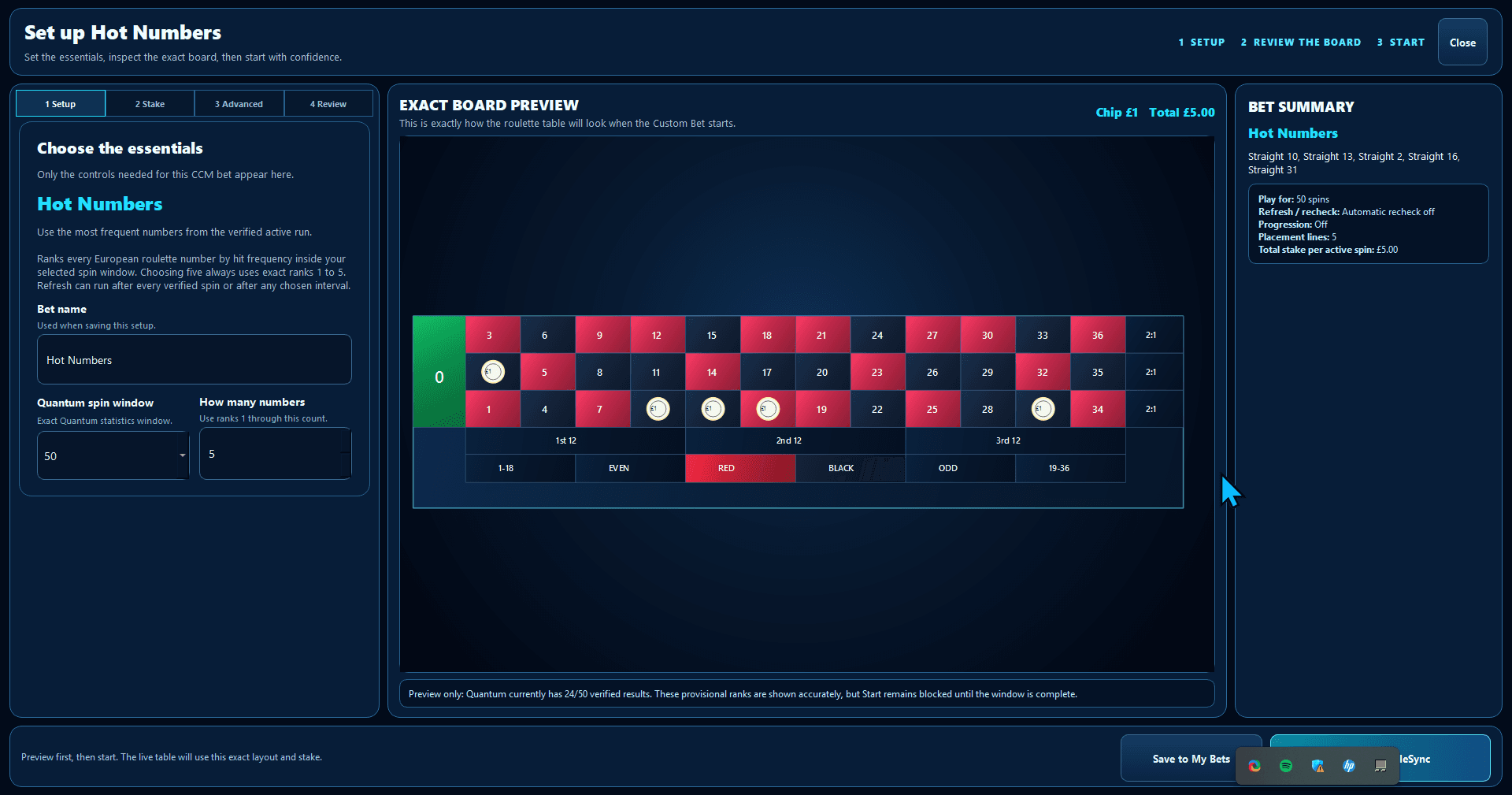
Choose the supported configuration and stake settings for the practice idea you want to save.
Check the exact virtual placements before the layout reaches your saved library or practice board.
Give the layout a useful name, reopen it later and use the supported result-driven rules when the setup needs to react inside TableSync.
Still using notes?
Saved layouts remove the memory work from rebuilding a familiar setup. You can inspect what is selected, reopen your own configurations and keep similar ideas clearly separated.
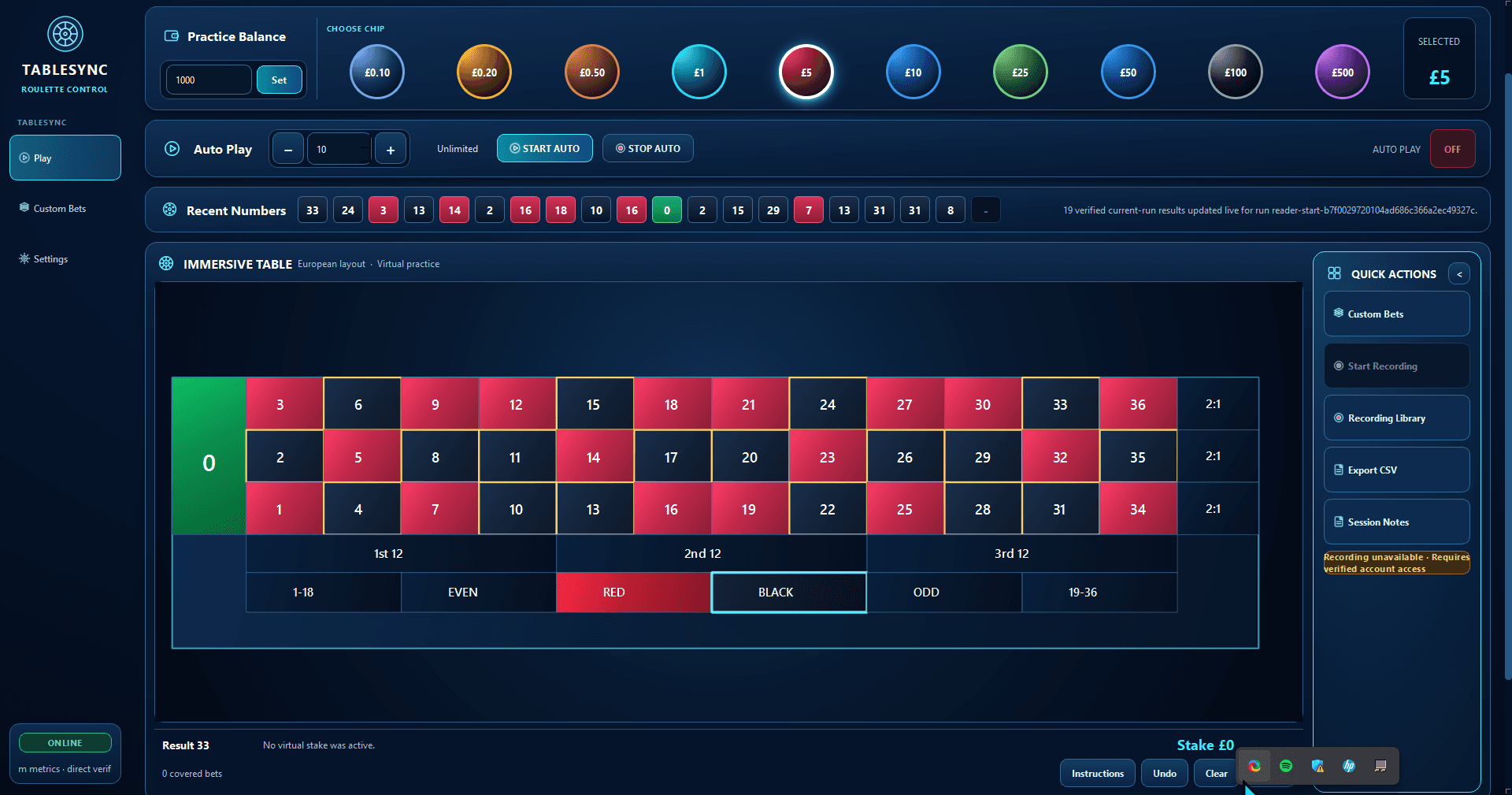
What Custom Bets are for
Custom Bets organise virtual practice placements. A saved layout does not change roulette probabilities, and historical frequency does not make a future result more or less certain.
Continue with TableSync
Compare the TableSync plans or follow the product workflow from Quantum sign-in to session review.