
Real product screens
TableSync roulette software screenshots, with the interface left intact.
These captures come from TableSync and CCM Quantum. The product UI, numbers and recorded values are shown as captured rather than rebuilt for marketing.
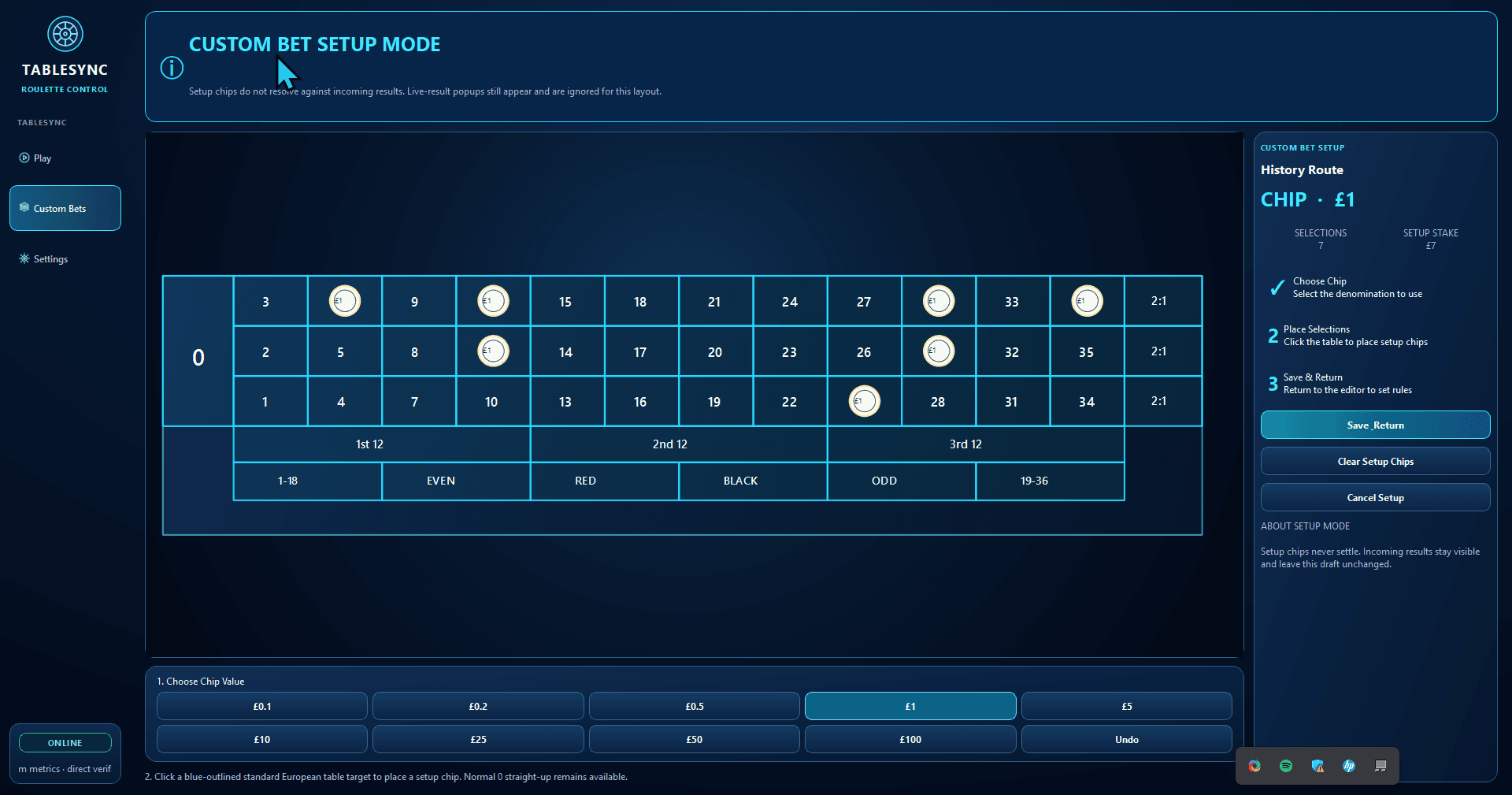
TableSync practice workspace
The European virtual board, recent results, controls and session information kept in one Windows workspace.
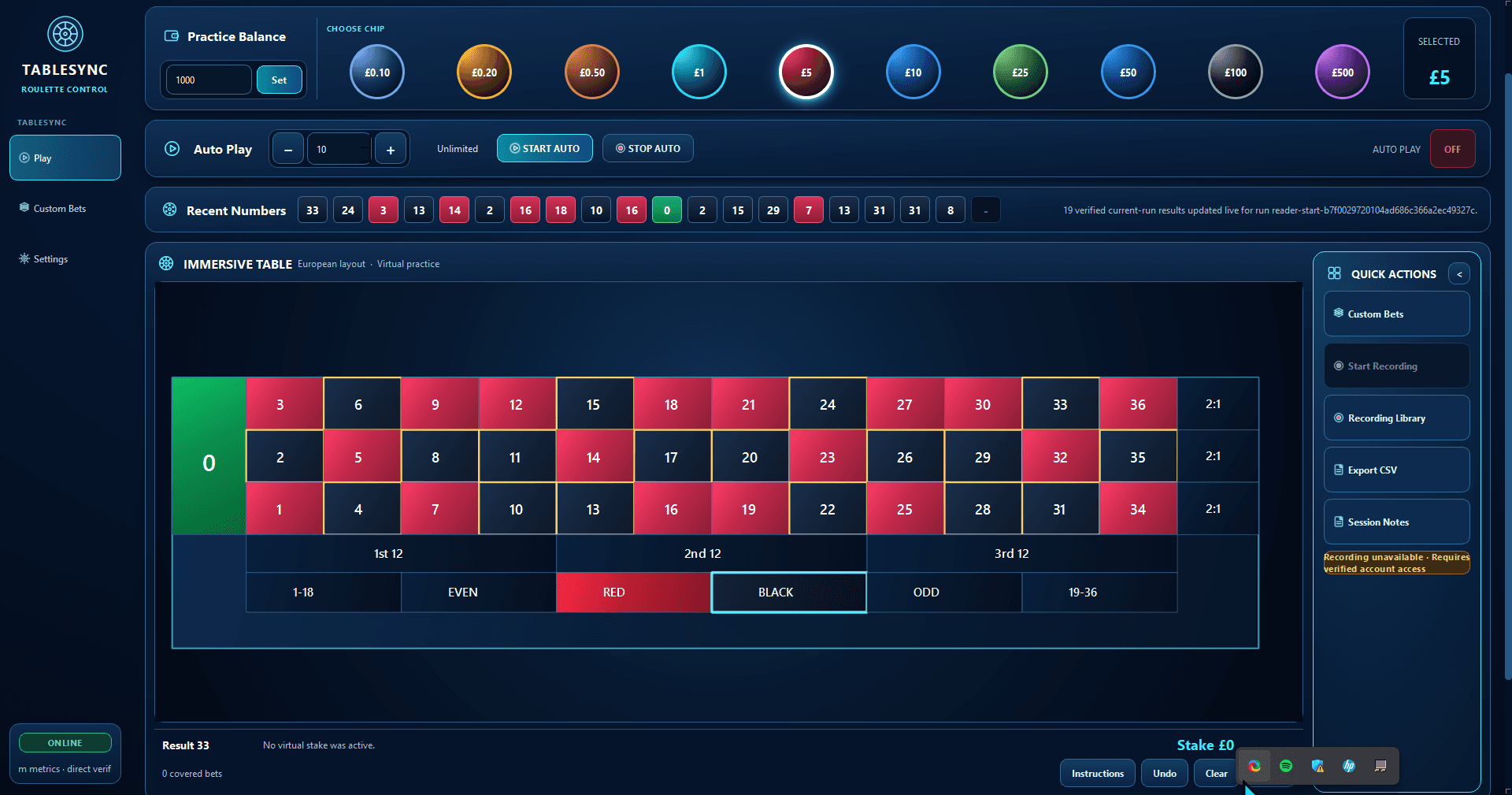
Virtual roulette placements
Place virtual chips, keep the practice stake visible and work without connecting TableSync to a casino account.
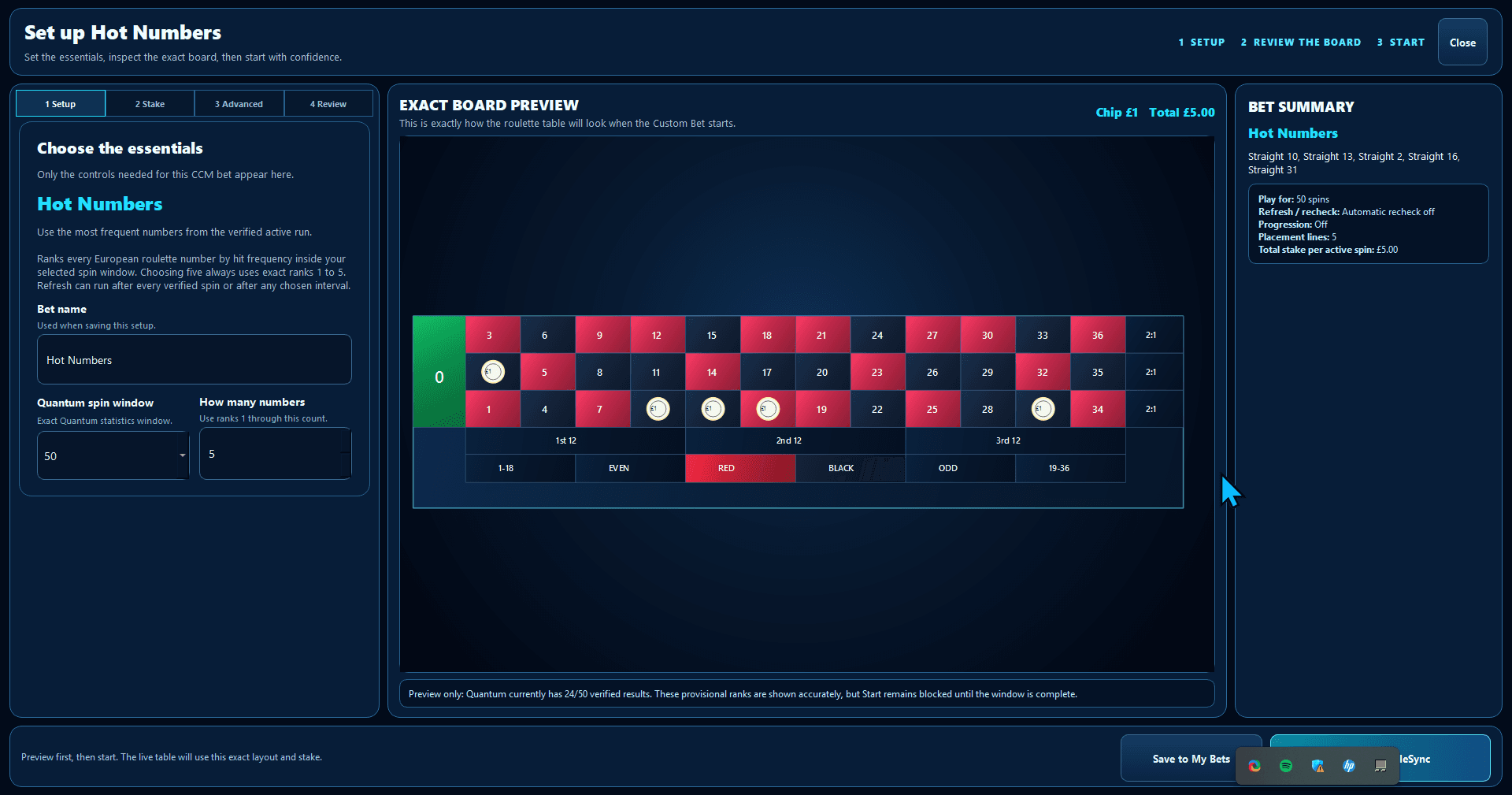
Custom Bet builder
Configure a reusable practice layout and inspect the exact board preview before saving it to your library.
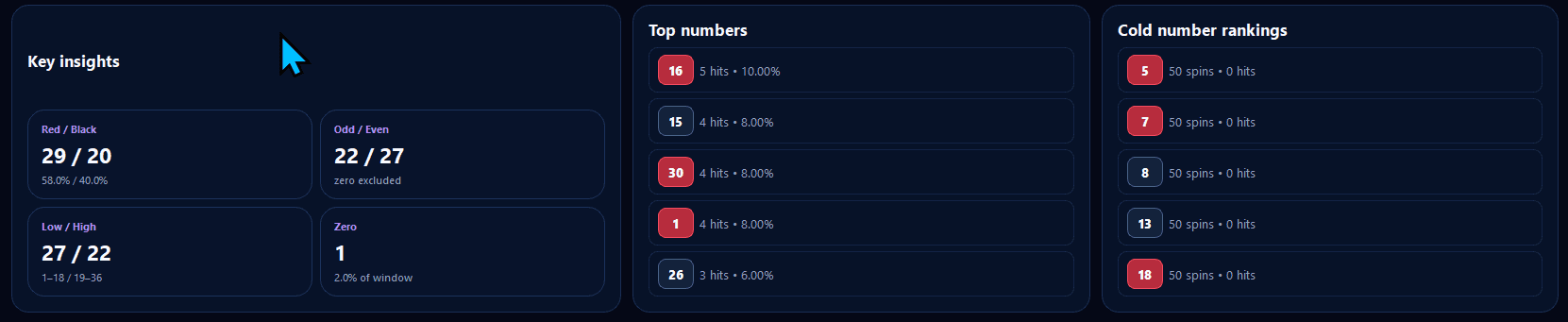
Stats and recorded number history
Review frequency, gaps and selected history windows as descriptive records rather than a forecast of the next result.
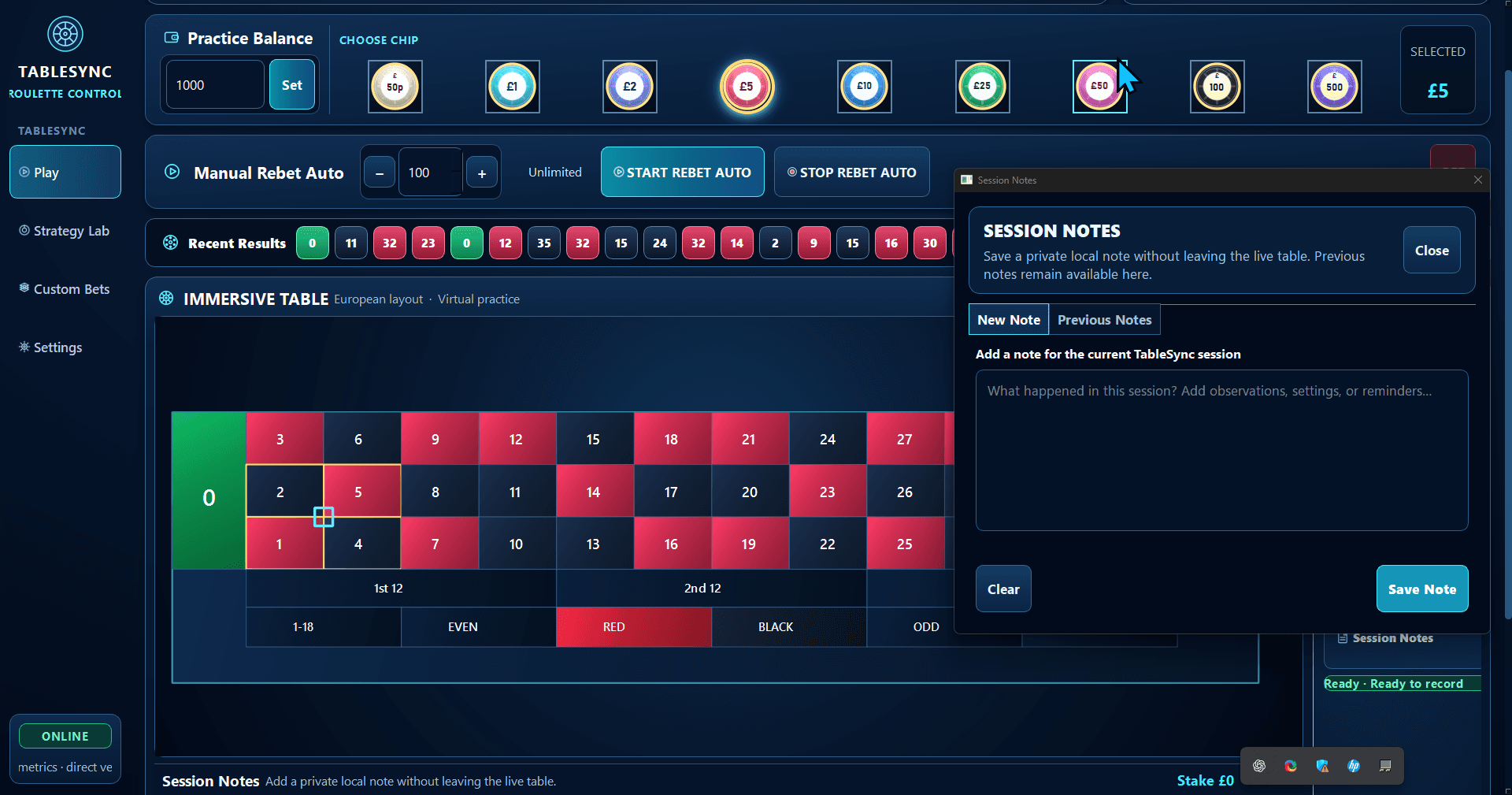
Session Notes
Keep the reason for a practice run alongside the session while the details are still fresh.
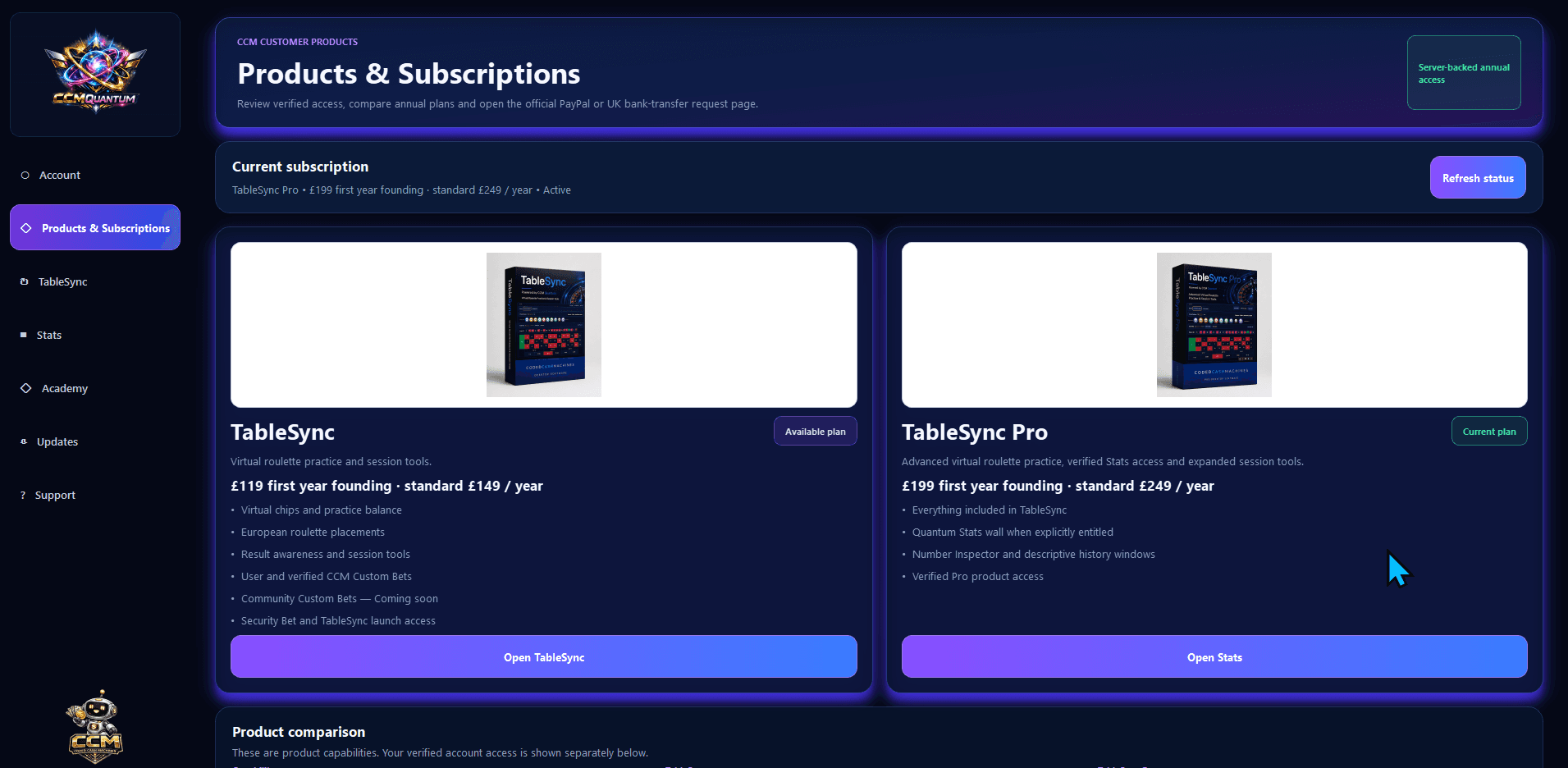
CCM Quantum products and access
See the products connected to the CCM account and use Quantum as the route into downloads, access and TableSync.
From screen to workflow
See what each interface is for before you choose a plan.
TableSync explains the complete practice workspace; the workflow page connects Quantum, layouts, notes, Stats and session review.