
One confirmed payment provides one year of the selected TableSync plan.
TableSync Universal · web app
TableSync now runs in your browser.
Runs in your web browser. Nothing to download or install. New CCM trial enrolment is being prepared. Account verification alone does not start a product trial.
Getting started
Three steps, no installer.
- Create your account. Register with your email and a password.
- Verify your email. Open your account verification link. Verification alone does not begin a new product trial.
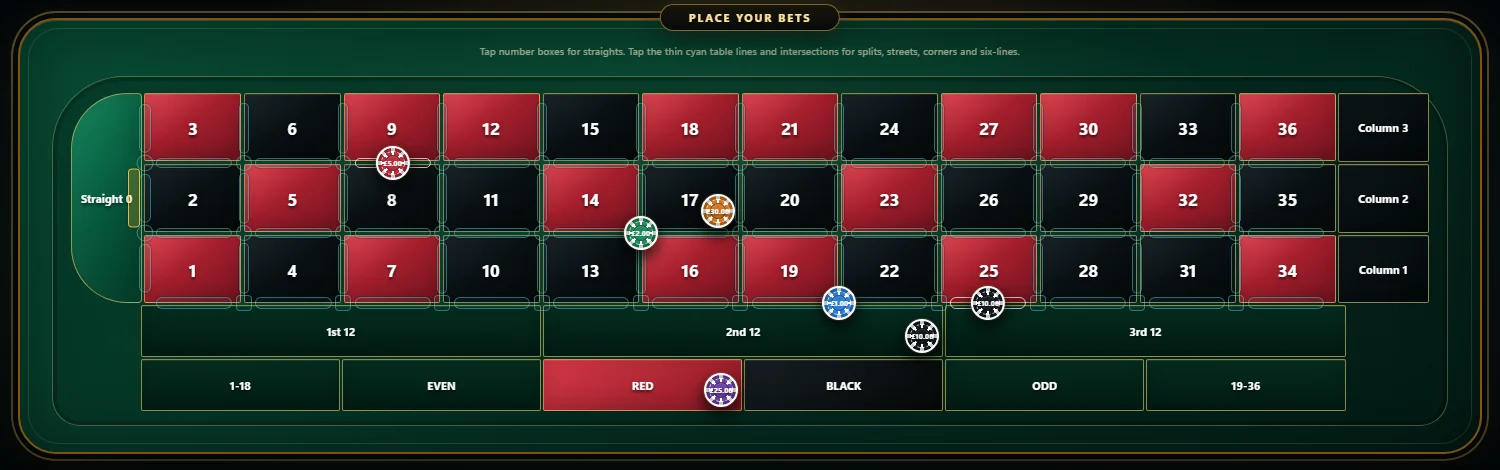
- Open TableSync. Sign in and open the Play Table in your browser. Nothing is installed.
Built for current desktop browsers, with phone and tablet layouts. Wider device testing is still in progress.
Virtual chips and a virtual balance only. TableSync never places a real-money bet and does not predict results.
Already a customer?
Your account and plan have not changed.
The Windows desktop app and the separate CCM Quantum app are no longer supported. Their features now live inside TableSync in your browser. Your subscription, trial and entitlements stay on your CCM account, so signing in to TableSync in your browser gives you the same plan.
If you still hold an older installer, the file verification details remain available for your records. The desktop app is no longer updated or supported.
TableSync runs in your web browser, so there is no installer to download or verify.
Account-specific questions stay in private support rather than public community channels.
Past roulette results describe recorded history; they do not determine the next spin.
Try TableSync
Start in your browser today.
Create an account, verify your email and open the Play Table. No card is needed for the trial.