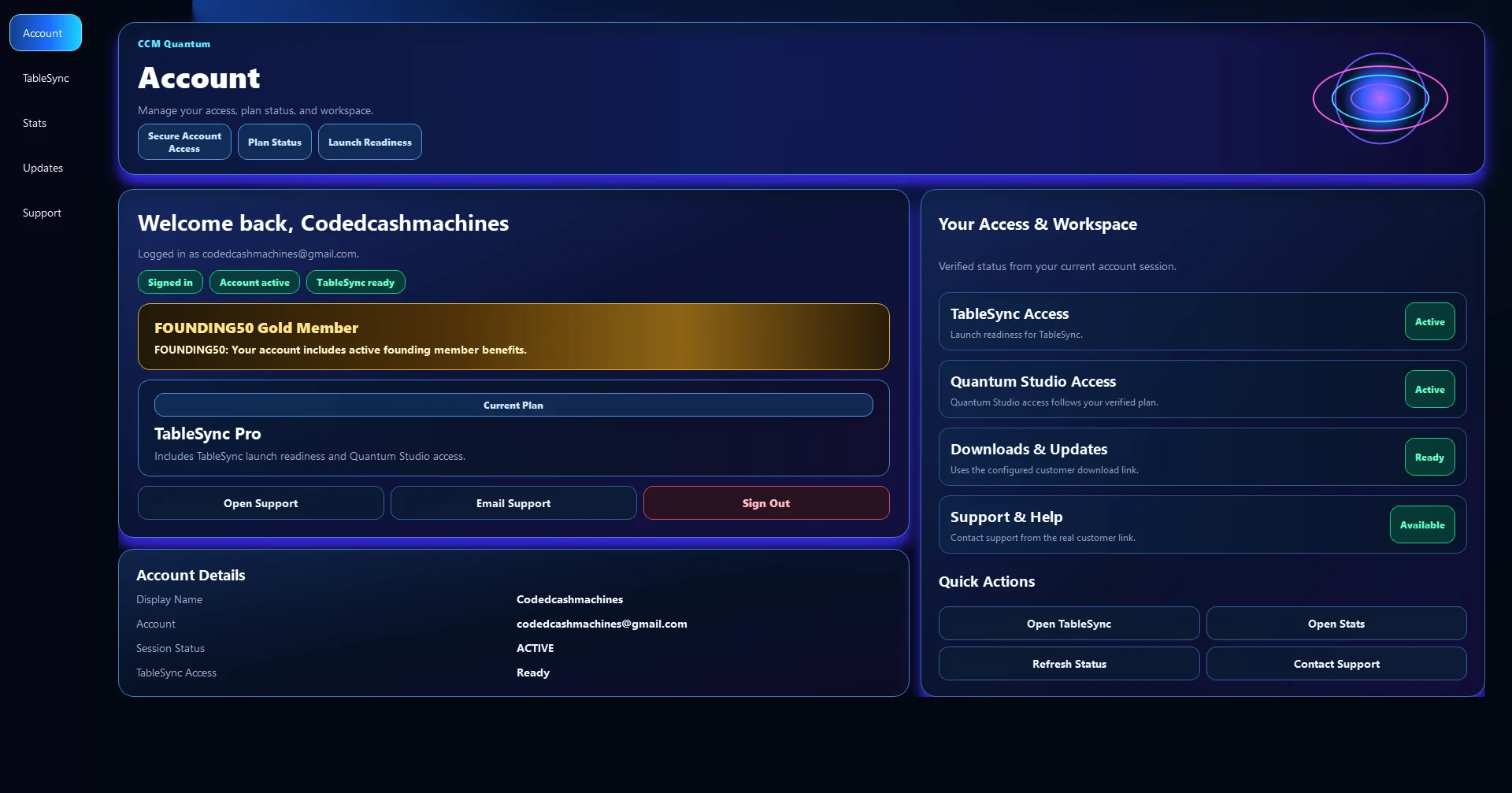
CCM account
One verified account. Product access stays authoritative.
Create and verify your account on the website. Sign in through CCM Quantum to see the products and annual access connected to that account.
1
CreateMake one CCM account.
2
VerifyConfirm the email address.
3
QuantumSign in on Windows.
4
AccessRefresh confirmed products.
Private by design. The website does not display your signed-in account record. Quantum reads account and product access from the connected CCM services after sign-in.
Sign in through CCM Quantum
Already registered? Continue in CCM Quantum.
Sign in with your verified account, then open Products & Subscriptions to refresh access after an annual payment has been confirmed.
- Your signed-in account record is not rendered on this website.
- Quantum shows the plan and product access returned for your account.
- After confirmed payment, refresh Products & Subscriptions in Quantum.