
The quick idea
The main idea is to start with the actions you use rather than the longest feature list. Keep the first attempt small enough that you can explain what every click or number means.
You do not need a complicated system to learn this part of the product. Start from a known point, make one deliberate change and give yourself time to see the result.
A practical routine
Start with the routine you want to follow, then compare the tools that support it. Feature counts are less useful than knowing what you will actually use.
For choose a tablesync plan by the routine you want, use a short practice run and repeat the same opening steps. Repetition makes the controls easier to remember and makes later comparison more honest.
Keep the context visible
Check whether the comparison is about practice controls, recorded history, automation or real-money actions. These are different product categories.
If the screen no longer matches the session you intended to run, pause and reset. A clean restart is usually more valuable than trying to rescue a muddled practice run.
What can go wrong
Choosing the longest feature list can lead to paying for tools that do not match your practice style.
Keep the language factual. Describe the placement, balance, selected history or product state you can see instead of turning it into a claim about a future random result.
Use the lesson in TableSync
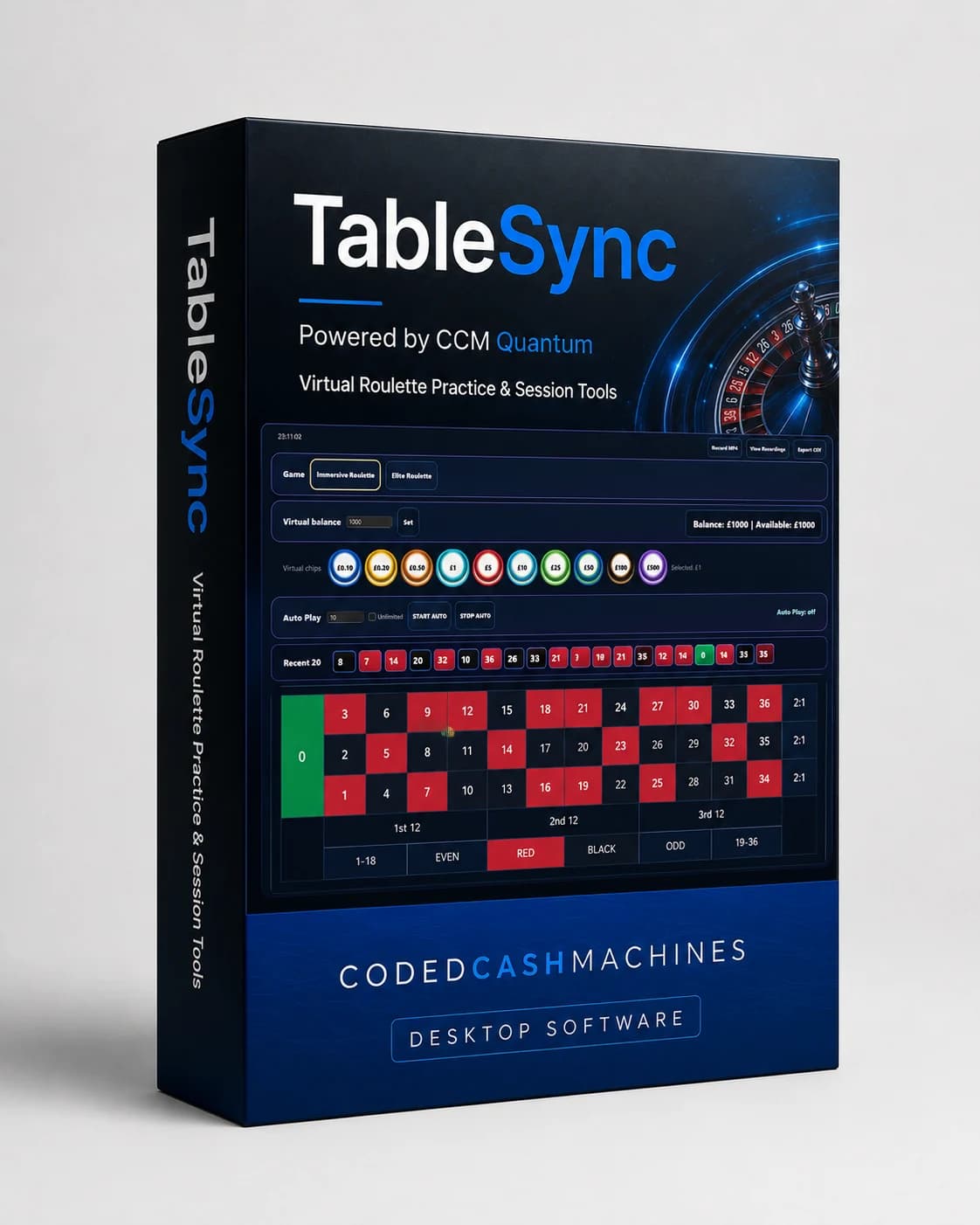
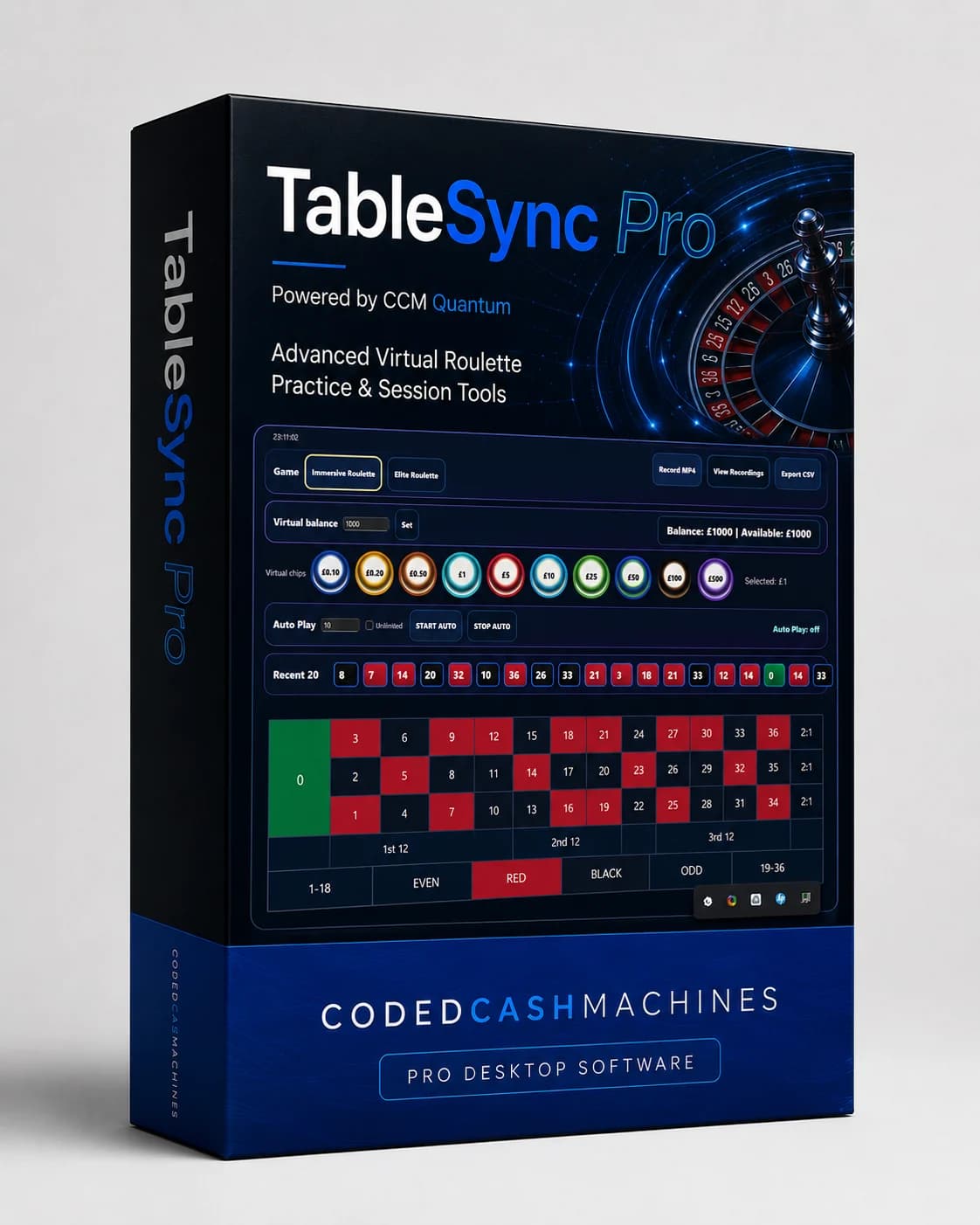
TableSync Standard covers the complete virtual practice workspace. TableSync Pro adds the deeper Stats experience.
Use this idea to start with the actions you use rather than the longest feature list, then finish with one sentence about what you would keep or change next time. That small review is what turns a click-through into useful practice.
TableSync helps you practise the workflow and review recorded information. It does not change roulette odds, place real bets or make the next random result certain.