
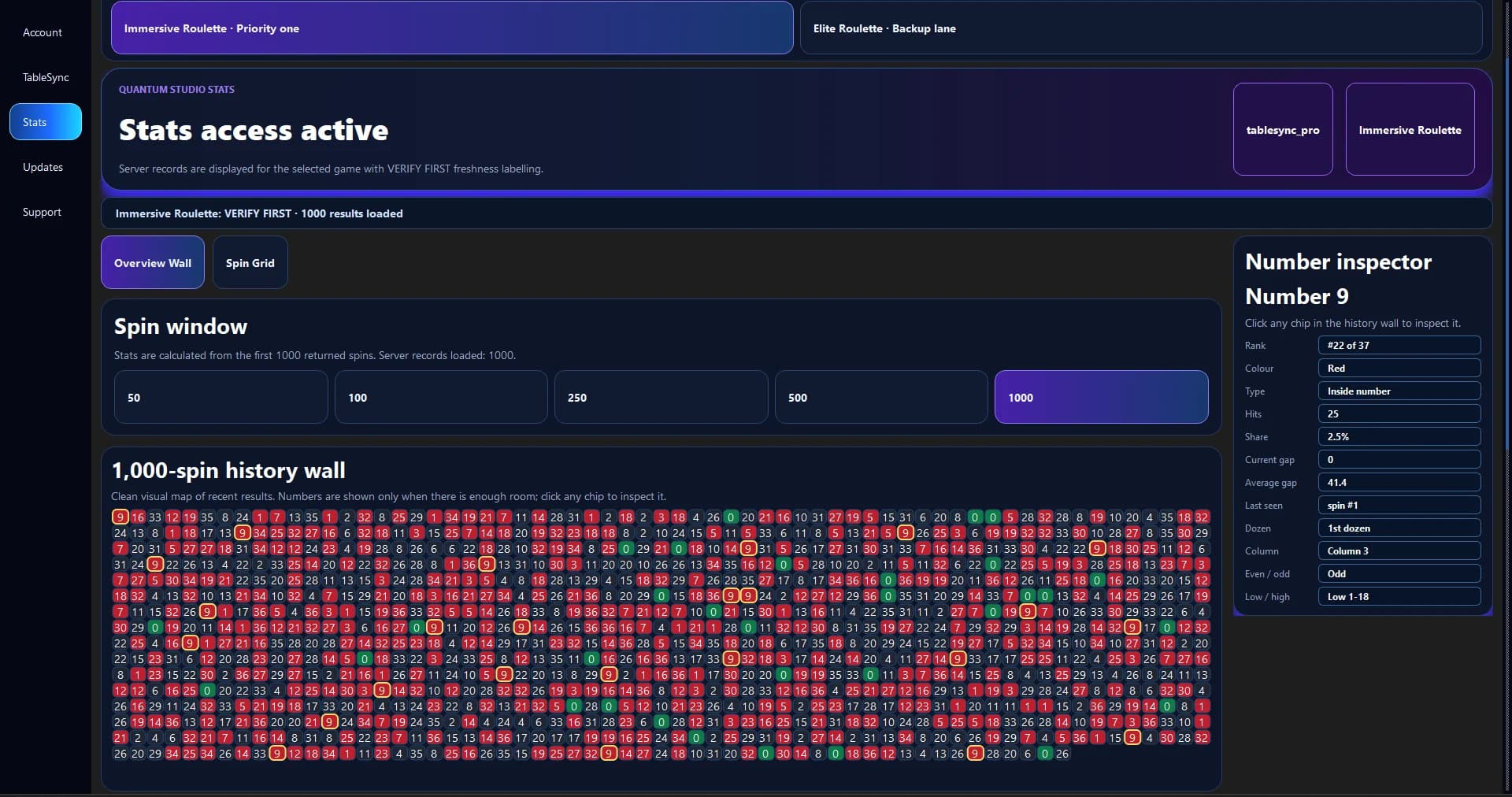
The quick idea
The main idea is to open one number for detail, then return to the full wall. Keep the first attempt small enough that you can explain what every click or number means.
You do not need a complicated system to learn this part of the product. Start from a known point, make one deliberate change and give yourself time to see the result.
A practical routine
Scan the full 0–36 wall first, then open one number in Number Inspector. Return to the wider view before drawing a conclusion.
For how to use number inspector without losing the wider picture, use a short practice run and repeat the same opening steps. Repetition makes the controls easier to remember and makes later comparison more honest.
Keep the context visible
Keep the history window and selected session visible. A detail panel is only meaningful when you know the sample behind it.
If the screen no longer matches the session you intended to run, pause and reset. A clean restart is usually more valuable than trying to rescue a muddled practice run.
What can go wrong
Focusing on one number for too long can make the rest of the sample disappear from the conversation.
Keep the language factual. Describe the placement, balance, selected history or product state you can see instead of turning it into a claim about a future random result.
Use the lesson in TableSync
TableSync Pro adds the Stats wall, larger history windows and Number Inspector for a deeper recorded-results review.
Use this idea to open one number for detail, then return to the full wall, then finish with one sentence about what you would keep or change next time. That small review is what turns a click-through into useful practice.
TableSync helps you practise the workflow and review recorded information. It does not change roulette odds, place real bets or make the next random result certain.